Driver Type
Categories
- Recent Updates
- Access Control
- Amplifier
- A/V Receiver
- Climate and Pool Control
- Disc Player / Changer
- Display
- DSP
- DVR
- Irrigation / Sprinklers
- Lighting Control
- Matrix Switch
- Media Server and Player
- Multi-Room A/V
- Networking
- Power and Rack Management
- Security
- Surveillance
- Teleconferencing
- Training
- Tuner
- Utility
- Video Projector
Driver Type
Categories
- Recent Updates
- Access Control
- Amplifier
- A/V Receiver
- Climate and Pool Control
- Disc Player / Changer
- Display
- DSP
- DVR
- Irrigation / Sprinklers
- Lighting Control
- Matrix Switch
- Media Server and Player
- Multi-Room A/V
- Networking
- Power and Rack Management
- Security
- Surveillance
- Teleconferencing
- Training
- Tuner
- Utility
- Video Projector
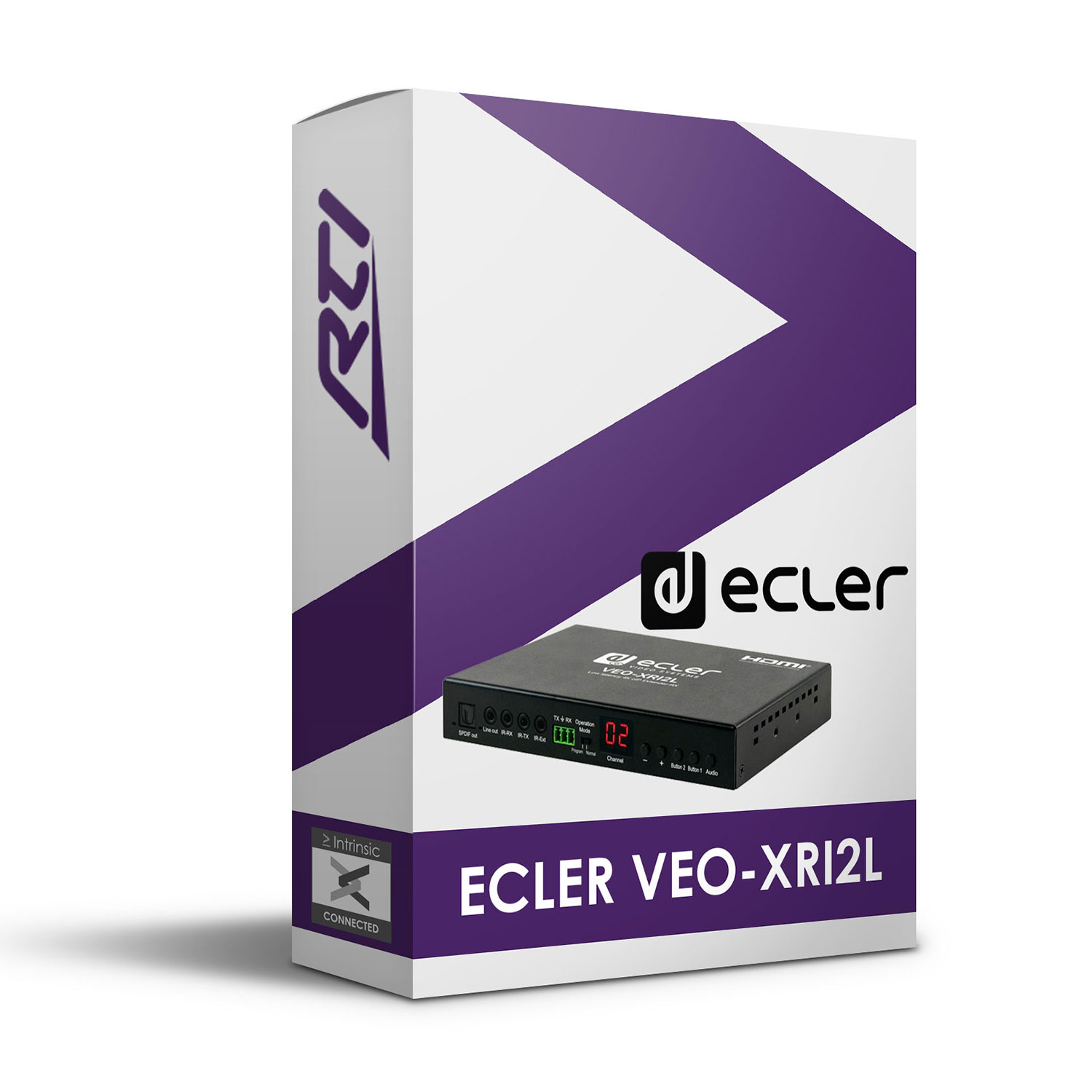
This Ecler VEO-XRI2L Driver for RTI offers control of a VEO-XRI2L receiver from within RTI using ethernet.
Features:
- Source (channel) selection for all services
- Independent source selection of video, audio, serial, IR and USB
- Image pause, HDMI output on/off control, video wall and rotation are all supported
- For a full list of functions see ‘Supported Functions’ section in the Integration Note (click ‘Download’ button to view)
- Intrinsic Platinum Integration – Official Ecler commissioned driver
- Driver uses Intrinsic(Athena) cloud technology for key free licensing, update alerts and enhanced support
Tech Support is handled by Intrinsic Dev.
Intrinsic Dev, The Maltings, Allendale, NE47 9EE, UNITED KINGDOM
Email: info@intrinsicdev.com
Ecler VEO-XxI2L
Supported Features
The full API has been implemented; Source (channel) selection for all services and also independent source selection of video, audio, serial, IR and USB are the key features, other functions such as image pause, HDMI output on/off control, video wall and rotation are all supported. For a full list of functions see the Supported Functions section.
Driver License
This driver requires a free license; visit www.intrinsicdev.co.uk to acquire one. License keys are issued on a per controller basis and are tied to the MAC address of that controller, you will need to quote that MAC address when placing your order. Only a single license key is required for multiple instances of the driver on the same controller.
The license is validated by our online server, therefore, the RTI controller must be able to access the internet for this driver to function.
Device setup
Configure the device per the manufacturer’s instructions. Ensure that the installation and configuration is complete and reliable before commencing integration.
Apex Configuration process
1. Download the latest version of the driver from www.intrinsicdev.co.uk
2. Place the .rtidriver file in your designated custom driver directory. This can be identified in Apex by clicking Options > Set Directories.
3. Import instances of the driver into your project as required.
4. In the Driver Properties pane enter the IP Address of the receiver.
5. If the screen the receiver serves is part of a video wall, tick the “Used in a Video Wall” box and set the wall dimensions and location of the screen.
6. Create Macros as required.
Supported Functions
Control \
Select ChannelIPSelect the streaming channel for all services
Select Channel for ServiceIPSelect the streaming channel for a specific service
Stop LinkIPStop receiving all services
Stop Service LinkIPStop receiving a specific service
Reconnect to LastIPRestarts all services to their last channel
Set HDMI Output OnIPSwitches HDMI output on
Set HDMI Output OffIPSwitches HDMI output off
Pause Video StreamIPFreezes the video stream
Un-Pause Video StreamIPUnfreezes the video stream
RebootIPReboots the receiver
Join Video WallIPEngages video wall mode based on configured settings
Leave Video WallIPReturns to standalone mode
Rotate ImageIPRotates the image
Query \
Get Current ChannelIPQueries all channels in use by the receiver
Supported Variables
Shade 1-50 \
Current Video ChannelIntegerChannel on which video is received
Current Audio ChannelIntegerChannel on which audio is received
Current Serial ChannelIntegerChannel on which RS232 is received
Current IR ChannelIntegerChannel on which IR is received
Current USB ChannelIntegerChannel on which USB is received
Supported Events
There are no supported events.
All of our software is available to download free of charge but will require licensing to function. Unless specifically noted only one license is required per controller/processor.
One time license required.