Driver Type
Categories
- Recent Updates
- Access Control
- Amplifier
- A/V Receiver
- Climate and Pool Control
- Disc Player / Changer
- Display
- DSP
- DVR
- Irrigation / Sprinklers
- Lighting Control
- Matrix Switch
- Media Server and Player
- Multi-Room A/V
- Networking
- Power and Rack Management
- Security
- Surveillance
- Teleconferencing
- Training
- Tuner
- Utility
- Video Projector
Driver Type
Categories
- Recent Updates
- Access Control
- Amplifier
- A/V Receiver
- Climate and Pool Control
- Disc Player / Changer
- Display
- DSP
- DVR
- Irrigation / Sprinklers
- Lighting Control
- Matrix Switch
- Media Server and Player
- Multi-Room A/V
- Networking
- Power and Rack Management
- Security
- Surveillance
- Teleconferencing
- Training
- Tuner
- Utility
- Video Projector
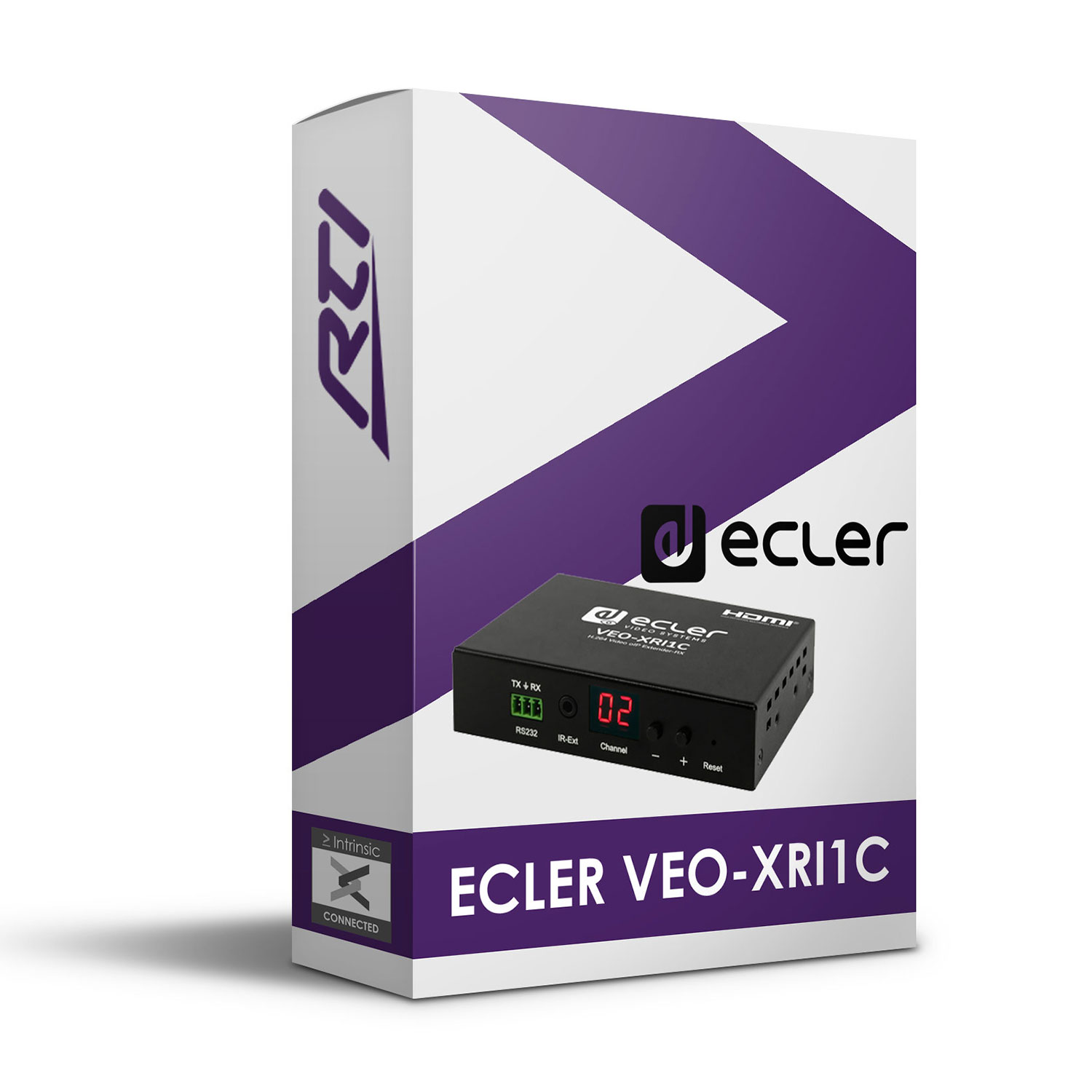
This Ecler VEO-XRI1C Driver for RTI offers channel selection on the VEO-XRI1C receiver from within RTI via IP.
Features:
- Input channel selection
- Intrinsic Platinum Integration – Official Ecler commissioned driver
- Driver uses Intrinsic(Athena) cloud technology for key free licensing, update alerts and enhanced support
Tech Support is handled by Intrinsic Dev.
Intrinsic Dev, The Maltings, Allendale, NE47 9EE, UNITED KINGDOM
Email: info@intrinsicdev.com
Ecler VEO-XxI1C
supported Features
This driver offers channel selection on the VEO-XRI1C receiver via IP.
Driver license
This driver requires a free license; visit www.intrinsicdev.co.uk to acquire one. License keys are issued on a per controller basis and are tied to the MAC address of that controller, you will need to quote that MAC address when placing your order. Only a single license key is required for multiple instances of the driver on the same controller.
The license is validated by our online server, therefore, the RTI controller must be able to access the internet for this driver to function.
Device setup
Configure the device per the manufacturer’s instructions. Ensure that the installation and configuration is complete and reliable before commencing integration.
Configuration Process
1. Download the latest version of the driver from www.intrinsicdev.com
2. Import the driver into your custom Control Drivers directory, you can check the location of this in Integration Designer Apex by clicking Options > Set Directories.
3. Import an instance of the driver into your project.
4. Select the Driver in the Drivers section of the workspace tree, then click Driver Properties
5. Enter the IP address of the receiver (VEO-XRI1C).
6. Create macros as required
All of our software is available to download free of charge but will require licensing to function. Unless specifically noted only one license is required per controller/processor.
One time license required.