Driver Type
Categories
- Recent Updates
- Access Control
- Amplifier
- A/V Receiver
- Climate and Pool Control
- Disc Player / Changer
- Display
- DSP
- DVR
- Irrigation / Sprinklers
- Lighting Control
- Matrix Switch
- Media Server and Player
- Multi-Room A/V
- Networking
- Power and Rack Management
- Security
- Surveillance
- Teleconferencing
- Training
- Tuner
- Utility
- Video Projector
Driver Type
Categories
- Recent Updates
- Access Control
- Amplifier
- A/V Receiver
- Climate and Pool Control
- Disc Player / Changer
- Display
- DSP
- DVR
- Irrigation / Sprinklers
- Lighting Control
- Matrix Switch
- Media Server and Player
- Multi-Room A/V
- Networking
- Power and Rack Management
- Security
- Surveillance
- Teleconferencing
- Training
- Tuner
- Utility
- Video Projector
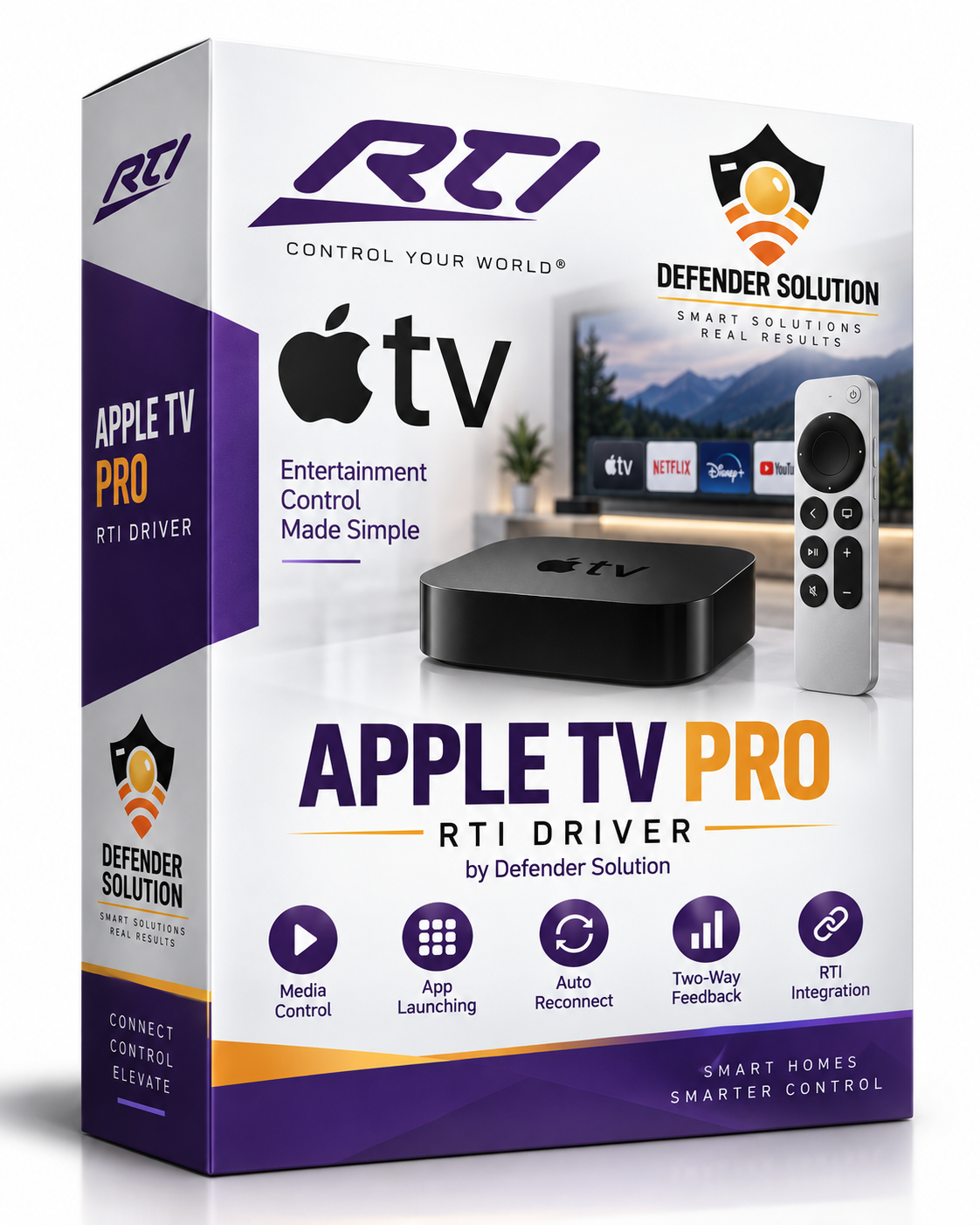
Apple TV IP Control
By: AMR HASSAN ALY
Updated: Sept. 29, 2026
Version: 1.01
DEFENDER APPLE TV IP CONTROL v1.0
Customer / Dealer Installation Guide
PRODUCT
Defender Apple TV IP Control provides direct encrypted Apple TV Companion control from an RTI XP processor. Defender Cloud is used only for secure pairing/session cryptography; normal remote-control commands travel directly from RTI to Apple TV on the local network.
LICENSING
- Every RTI processor MAC receives one one-time 4-hour full-feature trial when no License Key is entered.
- Rebooting or reloading the processor does not reset the trial.
- FREE PERMANENT LICENSE PROMOTION: through September 30, 2026, customers may claim a permanent license at no charge.
- To claim the free license: text 714-860-9866 or email support@defendersolution.tech.
- Starting October 1, 2026: permanent license price is $100 USD per RTI processor MAC address.
- One permanent license is licensed for up to 8 Apple TV players connected to the same RTI processor.
- Use the same License Key in each Defender Apple TV driver instance on that processor.
REQUIREMENTS
- RTI Integration Designer 11.x
- RTI XP processor running Runtime 24 or later
- Apple TV reachable on the same LAN
- Internet access from the RTI processor for Defender Cloud pairing/session cryptography
- Defender Cloud endpoint: https://crypto.defendersolution.tech/apple-tv/v1
INSTALLATION
1. Build/import Defender Apple TV IP Control.rtidriver and add one driver instance for each Apple TV.
2. Give each Apple TV a DHCP reservation or static IP.
3. Open Driver Properties.
4. Set Device Name, for example Living Room Apple TV.
5. Enter Apple TV IP Address.
6. Leave Companion Port at 49153.
7. Leave Auto Connect ON.
8. Leave Auto-Discover Companion Port ON.
9. Leave License Key blank for the one-time 4-hour trial, or paste your Defender License Key if one has been issued.
10. Send the project to the RTI processor.
FIRST PAIRING
1. Run Start Pairing once.
2. Wait for the 4-digit PIN to appear on the Apple TV.
3. Run Pairing Digit four times, selecting each digit in order.
4. The fourth digit submits automatically. Do not press Start Pairing again.
5. The driver stores the long-term Apple TV pairing credential internally.
6. The driver automatically opens a fresh connection, runs Pair Verify through Defender Cloud, and establishes the direct encrypted LAN session.
7. When Pair Verify Status shows Connected - Direct RTI to Apple TV and Session Stage shows READY, control is ready.
NORMAL OPERATION
- Auto Connect should remain ON.
- The driver checks session health and automatically rebuilds the session after network interruptions, Apple TV reboots, sleep/wake events, or Companion port changes.
- A new PIN is not normally required after pairing is stored.
MULTIPLE APPLE TV PLAYERS
- Add one driver instance per Apple TV.
- Configure a unique Device Name and IP address for each instance.
- A single permanent License Key on one RTI processor is licensed for up to 8 Apple TV players on that processor.
APP CONTROL
The driver supports the normal RTI remote command set plus installed-app refresh and app launching. Availability of individual app-list/app-launch functions can depend on tvOS behavior and installed applications.
TRIAL EXPIRED / LICENSE CLAIM
If the 4-hour trial expires, enter a permanent License Key in Driver Properties.
Through September 30, 2026, claim a free permanent license by contacting Defender Solution:
Text: 714-860-9866
Email: support@defendersolution.tech
Starting October 1, 2026, the permanent license price is $100 USD per RTI processor MAC address.
TROUBLESHOOTING
- If Pair-Setup reports BackOff, wait for the displayed cooldown before trying Start Pairing again.
- If the driver is paired but not READY, allow Auto Connect to rebuild the session; use Reconnect once only for service diagnostics.
- Keep Enable Trace OFF during normal operation. Enable it temporarily for troubleshooting.
- Do not share License Keys, pairing credentials, PINs, or AWS credentials in screenshots or support logs.
SUPPORT
Defender Solution
Text: 714-860-9866
Email: support@defendersolution.tech
Website: https://defendersolution.tech
DEFENDER APPLE TV IP CONTROL v1.0
Customer / Dealer Installation Guide
PRODUCT
Defender Apple TV IP Control provides direct encrypted Apple TV Companion control from an RTI XP processor. Defender Cloud is used only for secure pairing/session cryptography; normal remote-control commands travel directly from RTI to Apple TV on the local network.
LICENSING
- Every RTI processor MAC receives one one-time 4-hour full-feature trial when no License Key is entered.
- Rebooting or reloading the processor does not reset the trial.
- FREE PERMANENT LICENSE PROMOTION: through September 30, 2026, customers may claim a permanent license at no charge.
- To claim the free license: text 714-860-9866 or email support@defendersolution.tech.
- Starting October 1, 2026: permanent license price is $100 USD per RTI processor MAC address.
- One permanent license is licensed for up to 8 Apple TV players connected to the same RTI processor.
- Use the same License Key in each Defender Apple TV driver instance on that processor.
REQUIREMENTS
- RTI Integration Designer 11.x
- RTI XP processor running Runtime 24 or later
- Apple TV reachable on the same LAN
- Internet access from the RTI processor for Defender Cloud pairing/session cryptography
- Defender Cloud endpoint: https://crypto.defendersolution.tech/apple-tv/v1
INSTALLATION
1. Build/import Defender Apple TV IP Control.rtidriver and add one driver instance for each Apple TV.
2. Give each Apple TV a DHCP reservation or static IP.
3. Open Driver Properties.
4. Set Device Name, for example Living Room Apple TV.
5. Enter Apple TV IP Address.
6. Leave Companion Port at 49153.
7. Leave Auto Connect ON.
8. Leave Auto-Discover Companion Port ON.
9. Leave License Key blank for the one-time 4-hour trial, or paste your Defender License Key if one has been issued.
10. Send the project to the RTI processor.
FIRST PAIRING
1. Run Start Pairing once.
2. Wait for the 4-digit PIN to appear on the Apple TV.
3. Run Pairing Digit four times, selecting each digit in order.
4. The fourth digit submits automatically. Do not press Start Pairing again.
5. The driver stores the long-term Apple TV pairing credential internally.
6. The driver automatically opens a fresh connection, runs Pair Verify through Defender Cloud, and establishes the direct encrypted LAN session.
7. When Pair Verify Status shows Connected - Direct RTI to Apple TV and Session Stage shows READY, control is ready.
NORMAL OPERATION
- Auto Connect should remain ON.
- The driver checks session health and automatically rebuilds the session after network interruptions, Apple TV reboots, sleep/wake events, or Companion port changes.
- A new PIN is not normally required after pairing is stored.
MULTIPLE APPLE TV PLAYERS
- Add one driver instance per Apple TV.
- Configure a unique Device Name and IP address for each instance.
- A single permanent License Key on one RTI processor is licensed for up to 8 Apple TV players on that processor.
APP CONTROL
The driver supports the normal RTI remote command set plus installed-app refresh and app launching. Availability of individual app-list/app-launch functions can depend on tvOS behavior and installed applications.
TRIAL EXPIRED / LICENSE CLAIM
If the 4-hour trial expires, enter a permanent License Key in Driver Properties.
Through September 30, 2026, claim a free permanent license by contacting Defender Solution:
Text: 714-860-9866
Email: support@defendersolution.tech
Starting October 1, 2026, the permanent license price is $100 USD per RTI processor MAC address.
TROUBLESHOOTING
- If Pair-Setup reports BackOff, wait for the displayed cooldown before trying Start Pairing again.
- If the driver is paired but not READY, allow Auto Connect to rebuild the session; use Reconnect once only for service diagnostics.
- Keep Enable Trace OFF during normal operation. Enable it temporarily for troubleshooting.
- Do not share License Keys, pairing credentials, PINs, or AWS credentials in screenshots or support logs.
SUPPORT
Defender Solution
Text: 714-860-9866
Email: support@defendersolution.tech
Website: https://defendersolution.tech
- One-time 4-hour full-feature trial per RTI processor MAC.
- Through September 30, 2026, customer can claim a free permanent license by:
- Text: 714-860-9866
- Email: support@defendersolution.tech
- Starting October 1, 2026: $100 USD per RTI processor MAC.
- One permanent license is licensed for up to 8 Apple TV players on that processor.
- Same License Key can be entered into each Apple TV driver instance on that XP processor.
SUPPORT Or Ordering
Defender Solution
Text: 714-860-9866
Email: support@defendersolution.tech
Website: https://defendersolution.tech